Tracking
With StaffViz
StaffViz is a time tracking platform that records and analyzes employee work hours across tasks and projects while ensuring accurate logging, transparency, and productivity insights.


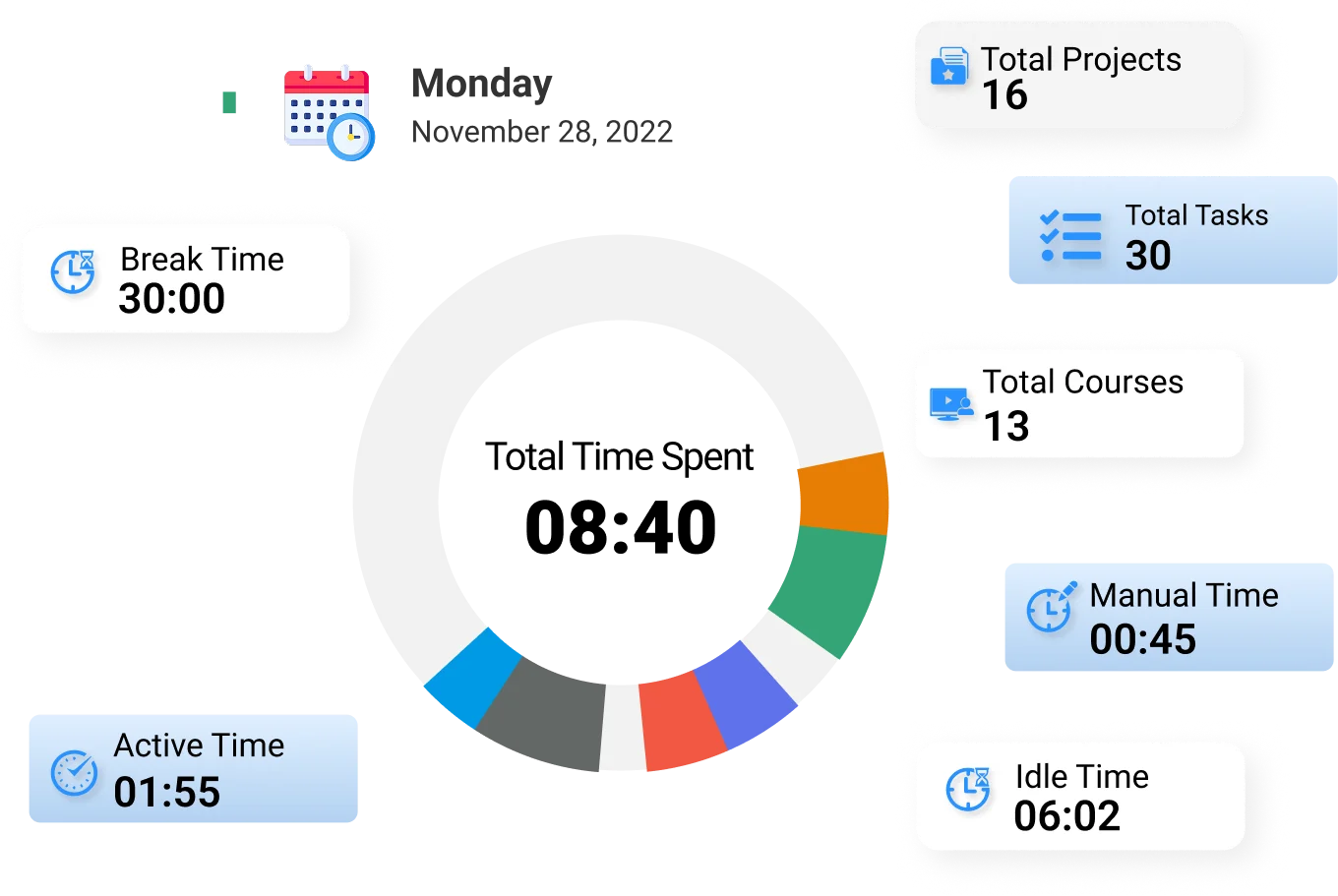
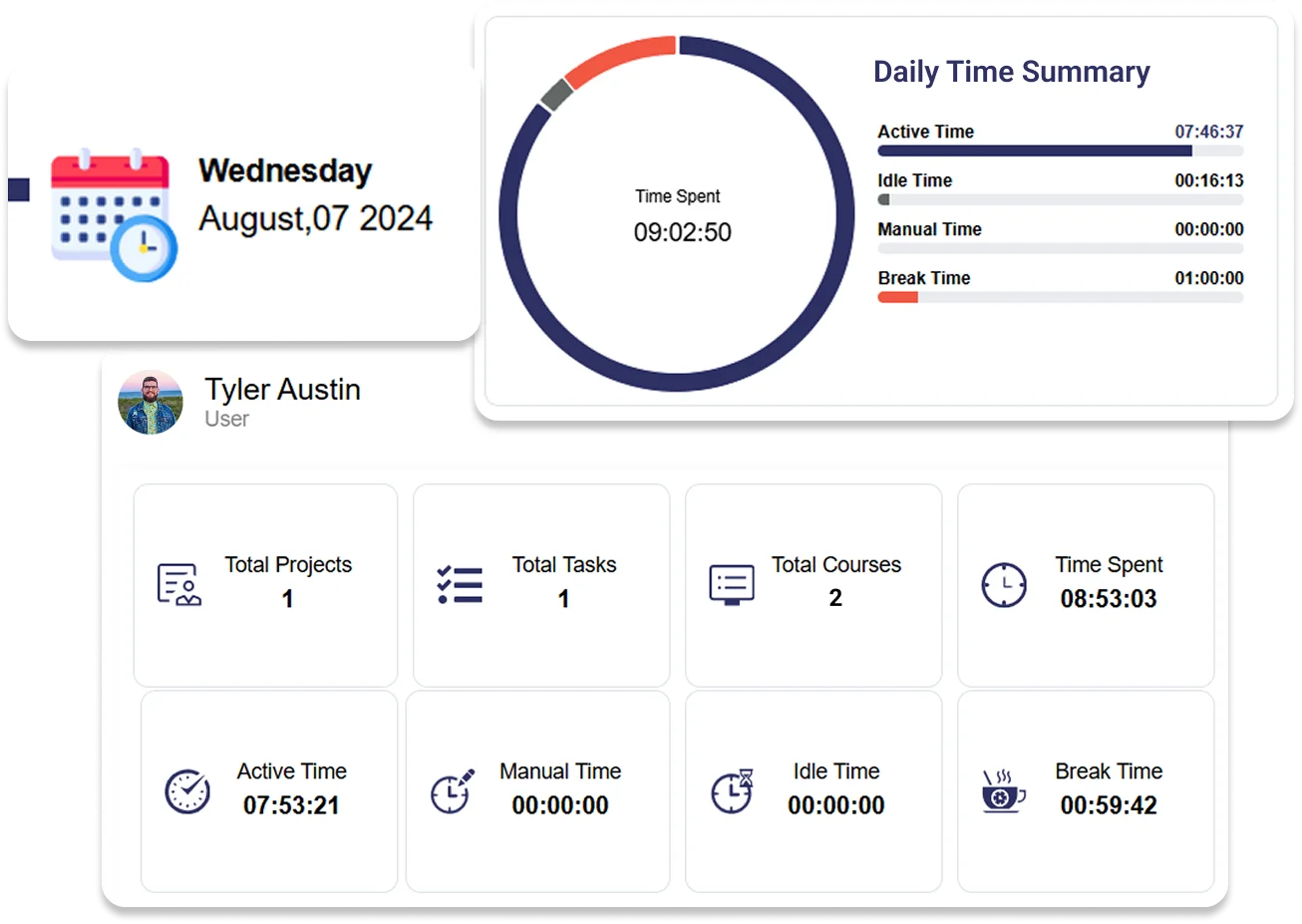
Daily Time Summary & Work Insights
Get a complete overview of daily work activities directly from the dashboard.
- Total Time Overview – View total work duration including both active time and breaks
- Actual Time Spent Monitoring – Track actual time spent working on tasks
- Break Time Tracking – Monitor total break duration separately from active work hours
- Real-Time Updates – See time values update dynamically as work progresses
- Zero-State Visibility – Identify inactive days with no recorded work activity

Task-Based Time Tracking
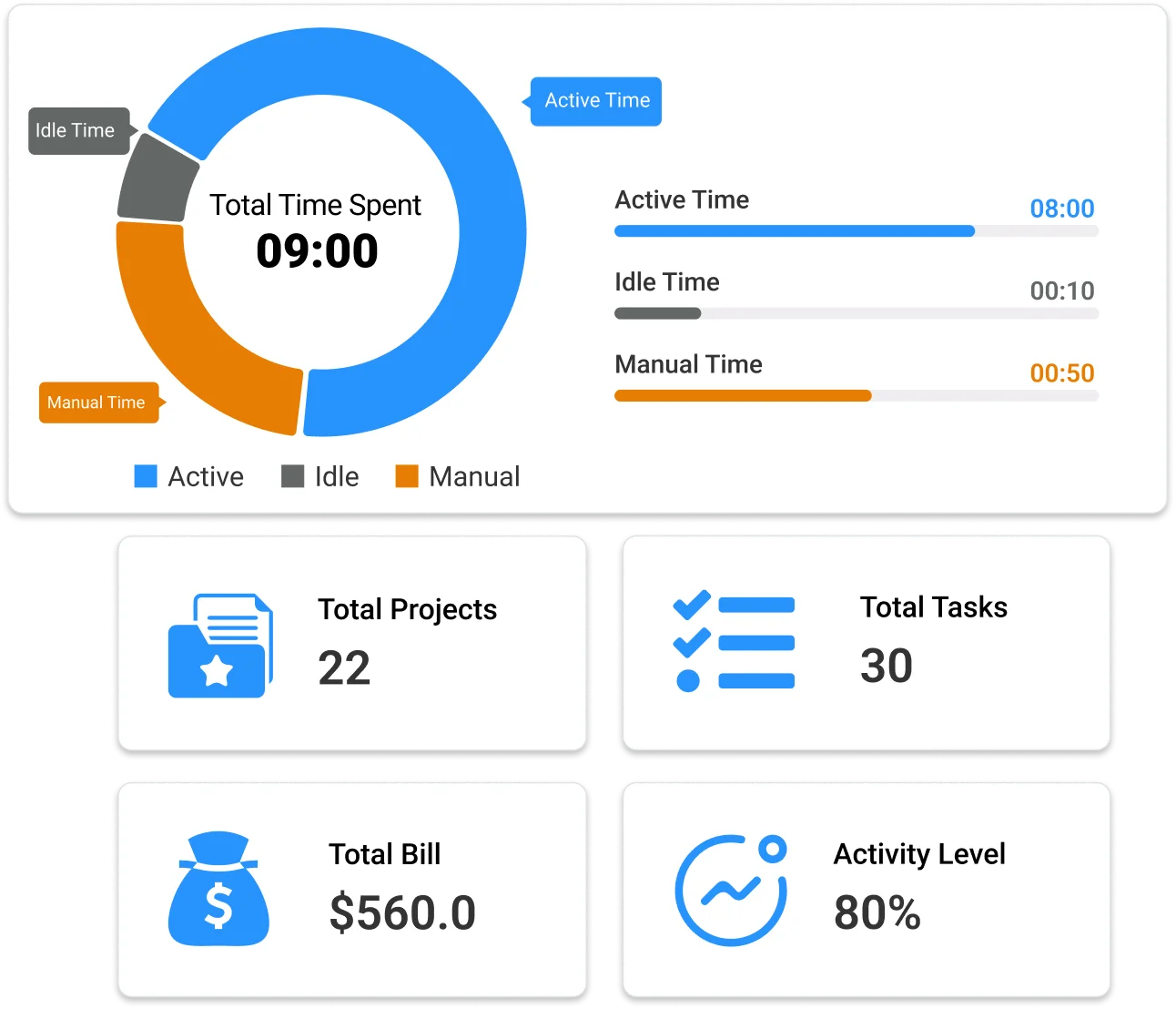
Ensure accurate time logging by tracking work directly through tasks.
- Task Activation Control – Start time tracking by initiating a task from the task list
- Live Timer Functionality – View a running timer showing total work duration
- Single Active Task Rule – Maintain accuracy by allowing only one active task at a time
- Task Switching Control – Pause or switch tasks to reflect actual work transitions
- Automatic Time Sync – Reflect all tracked time instantly in the dashboard summary

Break Time Management
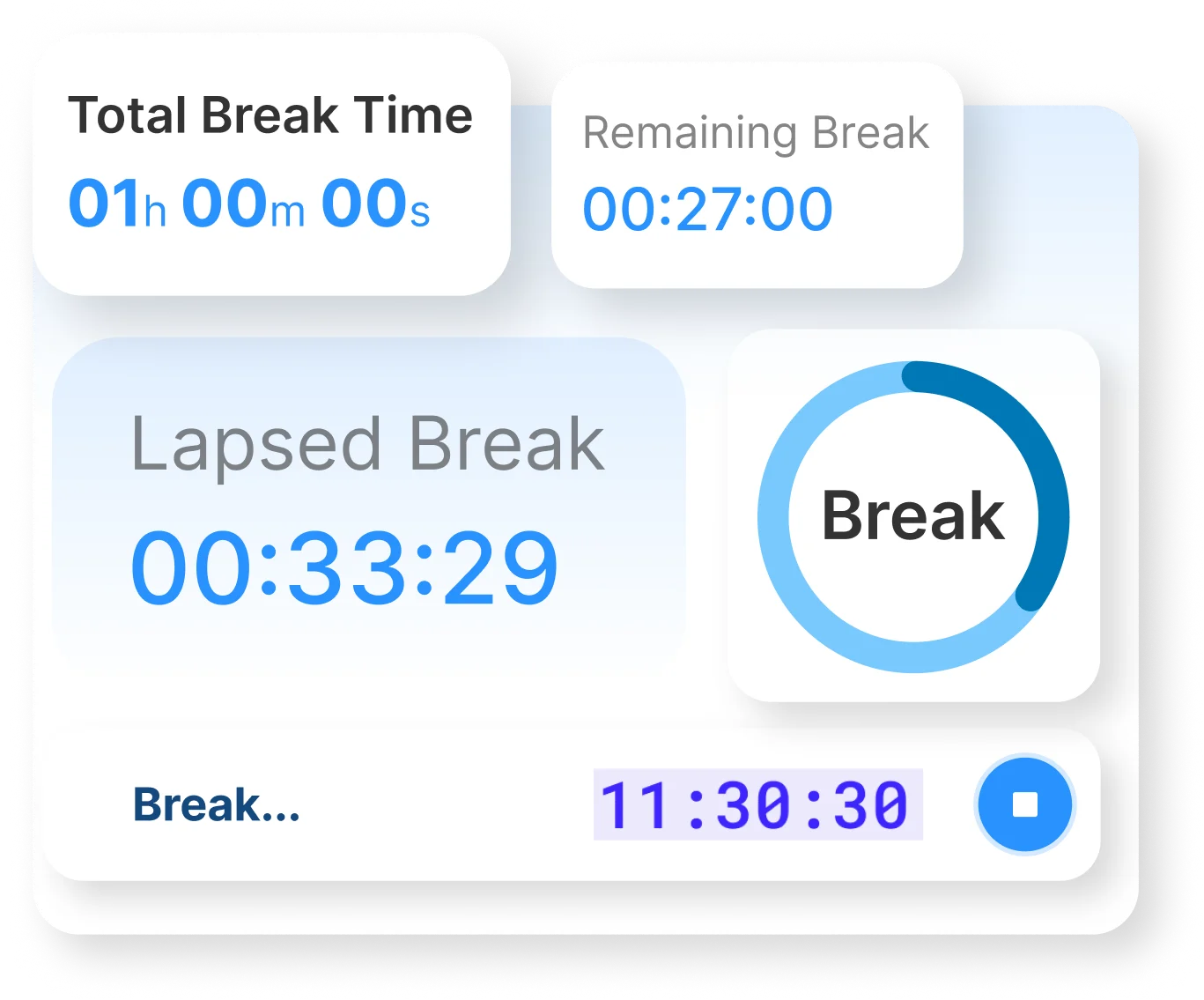
Record and manage non-working time without affecting productivity data.
- Break Initiation – Start breaks directly from the task screen with confirmation
- Automatic Time Separation – Pause task tracking while break time is recorded independently
- Break Duration Tracking – Monitor total break time during the workday
- Resume Work Control – Restart tasks easily after completing a break
- Accurate Work Segmentation – Ensure clear distinction between work and non-work time
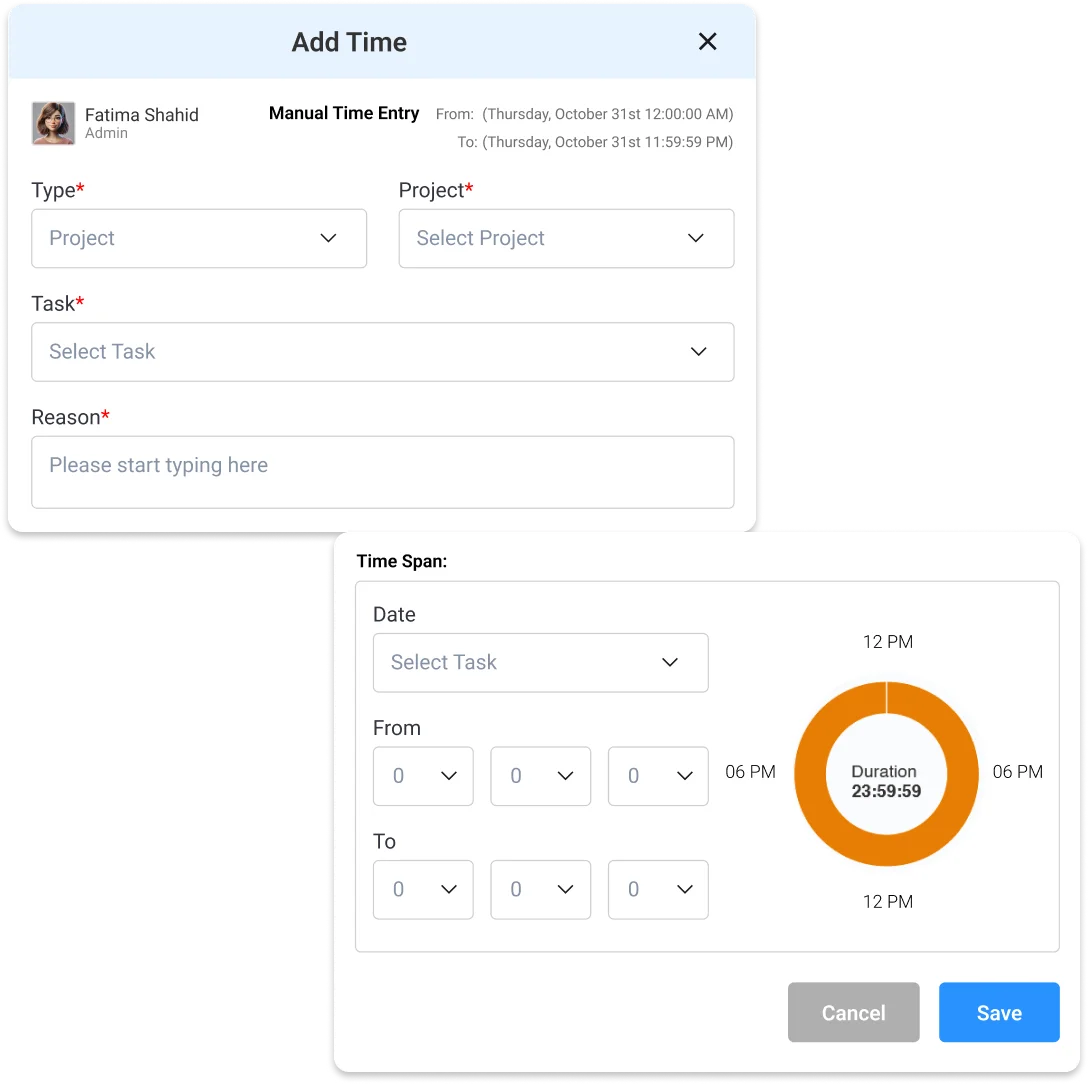

Manual Time Entry (Timesheets)
Capture missed or offline work hours through manual entries.
- Flexible Time Logging – Add entries by selecting custom start and end times
- Multi-Type Entries – Log time for tasks, courses, or breaks
- Project & Task Mapping – Associate each entry with specific projects and tasks
- Timeline View – Review all entries in a structured daily timeline
- Controlled Entry Rules – Ensure accuracy with restrictions on future and invalid entries

Timesheet Review & Reporting
Analyze and review recorded work hours with structured visibility.
- Date-Based Navigation – Switch between dates to review past work records
- Filtered Views – Sort entries by projects, courses, or breaks
- Daily Activity Timeline – Visualize how time is distributed throughout the day
- Consolidated Work Records – View all tracked and manual entries in one place
- Accurate Work Insights – Ensure complete visibility for reporting and evaluation